Sitala Manual
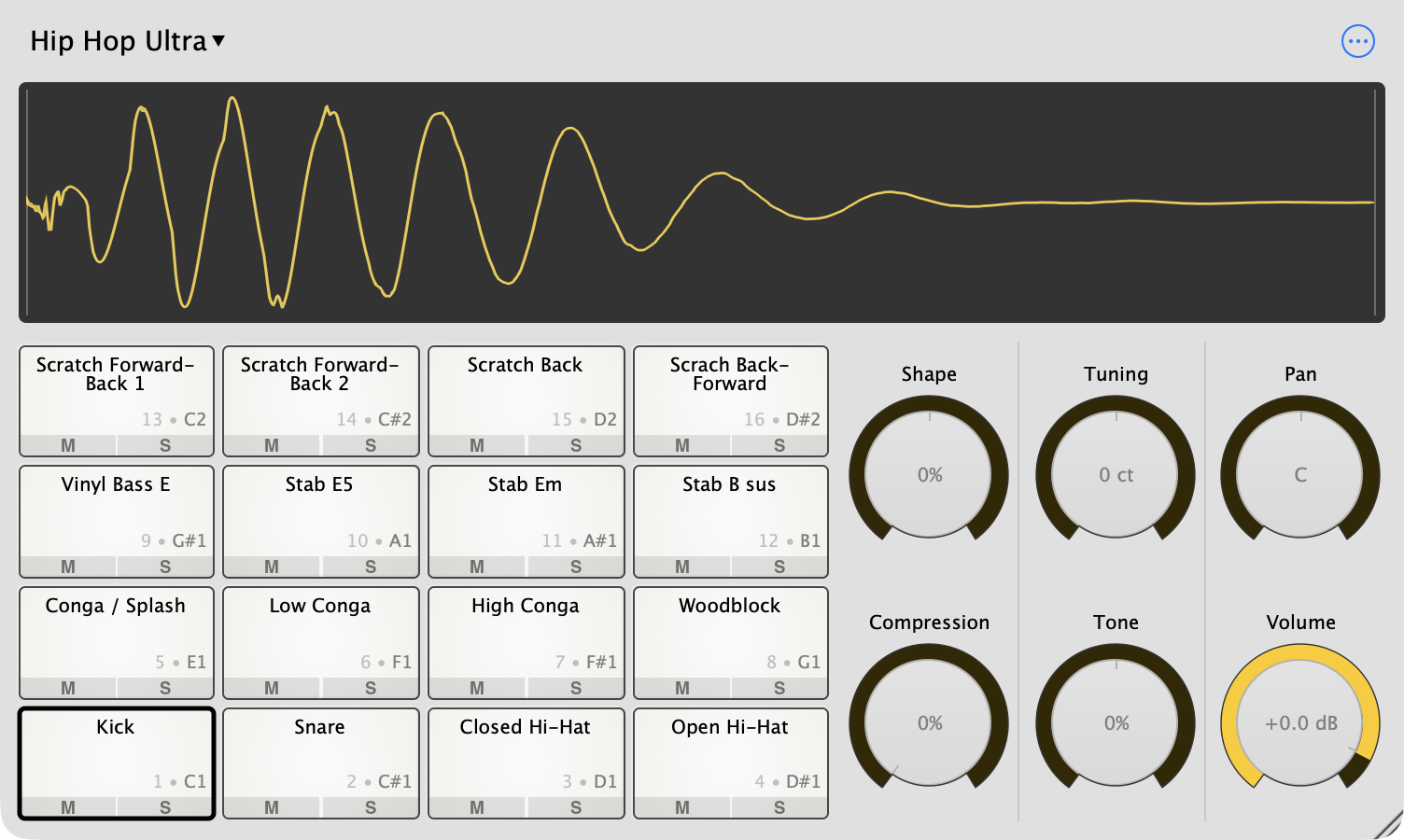
Sitala is a drum sampler with 16 pads and six knobs. You drop your own sounds on the pads, shape them, and play them from your DAW, a MIDI controller or your computer keyboard. It runs as a plugin (VST, VST3, AU and AAX) and as a standalone app on macOS and Windows.
This manual covers Sitala 2.1 on desktop computers. If you’re on an iPad or iPhone, see Sitala for iOS.
Contents
- Getting Started – a tour of the window, loading and playing your first sounds
- Pads – layouts, mute and solo, copying and moving pads, choke groups
- Editing Samples – trimming, slicing loops, and the six knobs
- Kits – saving, sharing and exporting kits
- Browsing Samples – the sample browser and missing samples
- MIDI – which notes play which pads, MIDI Learn and controllers
- Multiple Outputs – one mixer channel per pad in REAPER, Logic, Live, Pro Tools and more
- REAPER Projects – keeping samples with your REAPER projects
- Standalone App – audio settings and keyboard shortcuts
- Activation and Updates – licenses, new computers and offline activation
What Sitala is (and isn’t)
Sitala is built for drums and one-shots: kicks, snares, hats, percussion, chopped breaks and sound effects. Each pad plays one sample, triggered by one MIDI note.
It’s intentionally small. Here’s what it doesn’t do, so you don’t have to go looking for it:
- It’s not a melodic sampler. There’s no mode for playing one sample chromatically across a keyboard. You can tune a pad (±1 octave), and you can copy a pad several times at different tunings, but if you want to play basslines or melodies from a single sample, you’ll want a different sampler.
- There are 16 pads per instance. If you need more, load a second instance.
- There are no built-in effects beyond the six knobs. Use multiple outputs to put your own effects on each pad.
- There’s no sequencer. Sitala plays whatever MIDI your DAW or controller sends it.
System requirements
- macOS 10.12 or later on Intel, macOS 11 or later on Apple Silicon. Formats: standalone app, AU, VST, VST3 and AAX.
- Windows 10 or later, 64-bit. Formats: standalone app, VST, VST3 and AAX.
Linux isn’t supported.
Installing
Download Sitala from the Sitala page and run the installer. By default it installs the standalone app and all of the plugin formats in one go, into the standard locations your DAW looks in:
| macOS | Windows | |
|---|---|---|
| Standalone | /Applications/Sitala.app |
C:\Program Files\Sitala |
| VST3 | /Library/Audio/Plug-Ins/VST3 |
C:\Program Files\Common Files\VST3 |
| VST | /Library/Audio/Plug-Ins/VST |
C:\Program Files\Steinberg\VstPlugins (you can pick another folder during installation) |
| AU | /Library/Audio/Plug-Ins/Components |
– |
| AAX | /Library/Application Support/Avid/Audio/Plug-Ins |
C:\Program Files\Common Files\Avid\Audio\Plug-Ins |
After installing, restart your DAW. Sitala shows up as an instrument made by Decomposer.
If Sitala doesn’t show up in your DAW
- Make sure you’re looking for an instrument, not an effect. In Pro Tools, add it to an Instrument track, not as an AudioSuite plugin.
- Rescan your plugins. Most DAWs only look for new plugins at startup or when you ask them to. In Ableton Live, hold Option (Mac) or Alt (Windows) while clicking Rescan to force a full rescan.
- Check your DAW’s plugin folders (Windows). If your DAW only scans a custom
VST folder, add
C:\Program Files\Common Files\VST3to its list, or rerun the installer and choose your VST folder. On Windows, also make sure Install VST Version 3 Plug-in is checked; the installer remembers if you unchecked it before. - Don’t point your DAW at
Sitala.apporSitala.exe. That’s the standalone app; the plugins are separate files, listed above.
Uninstalling
- Windows: use Settings → Apps → Installed apps (Apps & features on Windows 10), find Sitala and choose Uninstall. Please don’t just delete the files, otherwise Windows still thinks Sitala is installed.
- macOS: delete
Sitala.appand theSitalafiles from the plugin folders in the table above. To remove everything, also delete~/Library/Application Support/Sitala(your user kits and MIDI map presets) and theSitala.settingsandSitalaStandalone.settingsfiles in~/Library/Preferences.
Getting help
If something isn’t covered here, check the FAQ, or use Send Feedback… in Sitala’s options menu (the ⋯ button) to reach us.
Next: Getting Started →
Contact